Process tools

Software that makes every step on the shop floor traceable.

Many companies still run their workflows on paper, in spreadsheets and in the heads of experienced staff. We build process digitization software that closes the gaps between the systems you already have, without a new ERP.

Paper, spreadsheets, and the knowledge nobody wrote down.

An order arrives by mail, the plan lives in a spreadsheet, and where job A-2421 stands is a walk across the hall. None of that is broken enough to justify a new ERP, and all of it costs time every day.

Shift lead on a shop floor checking a process step on a tablet

We map the workflow itself, from the order through production and quality control to the reporting. Each step is defined once and then enforced, and the documentation falls out of the daily work.

How process digitization runs in practice

  1. Define the workflowThe steps, their order, and the rules that have to hold.
  2. Guide every operatorDigital work instructions on the device in hand.
  3. Capture the dataShop floor data capture while the work is being done.
  4. Control and improveQuality, cost and workload in numbers, and step one starts again.

a plan, do, check, act loop, running in the tools

In production use

Three systems we built, all of them in daily use.

Warehouse portal
Pharmaceutical client, name confidential under NDA

One tool from goods receipt to the parcel label.

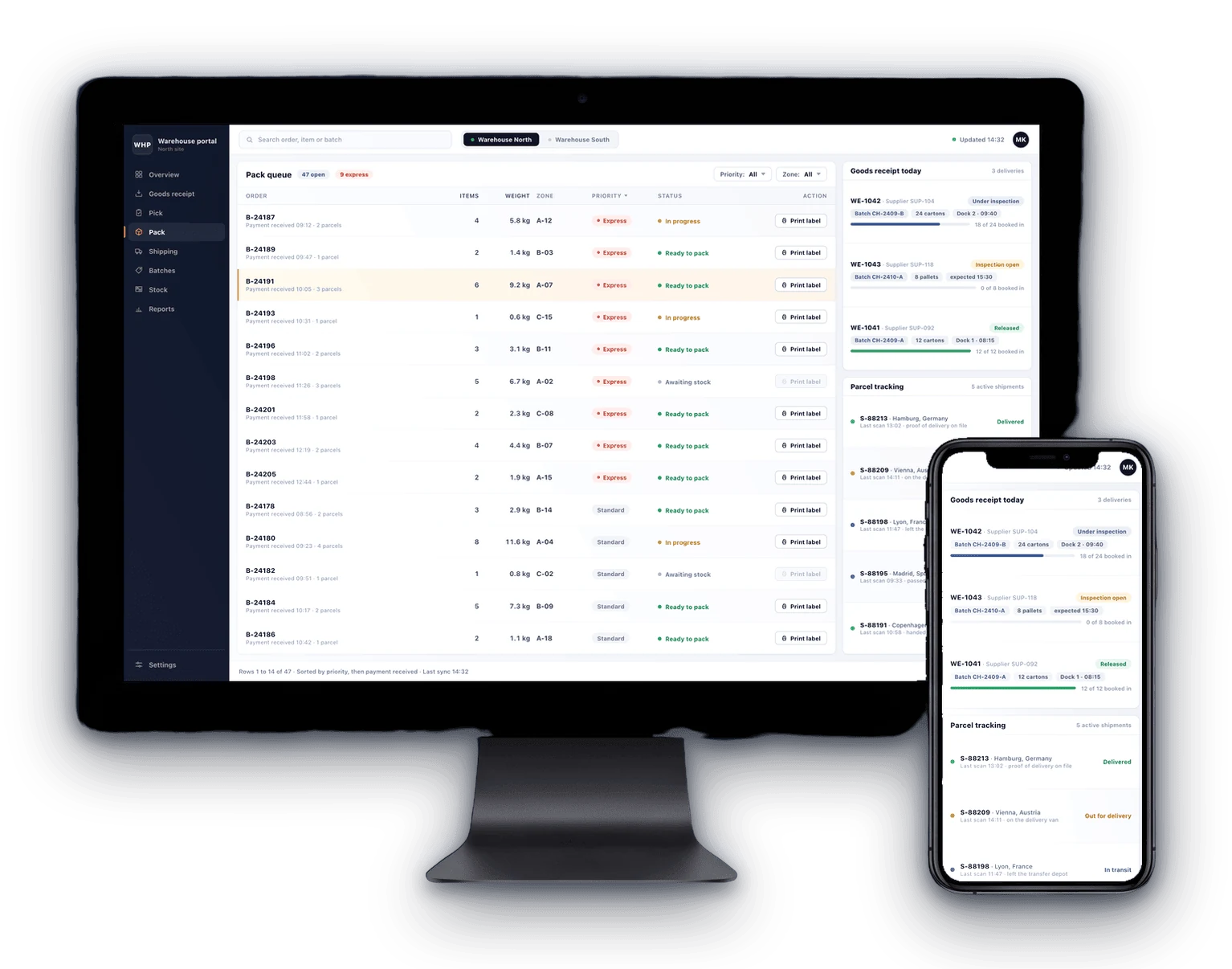
A warehouse and fulfillment portal developed from scratch. It runs across several warehouse locations and talks to the shop directly. Goods receipt works with batch management, lab results are recorded per batch, and a batch only moves into shipping once it has been released. Every check stays on file with the tester and the time it happened.

Batch management from goods receipt to release

Pick and pack flow that guides staff through every order

Shipping labels printed straight from the order

Parcel tracking in the same screen as the order

Warehouse portal shown on a desktop display and a smartphone: pack queue, goods receipt with batch management and parcel tracking
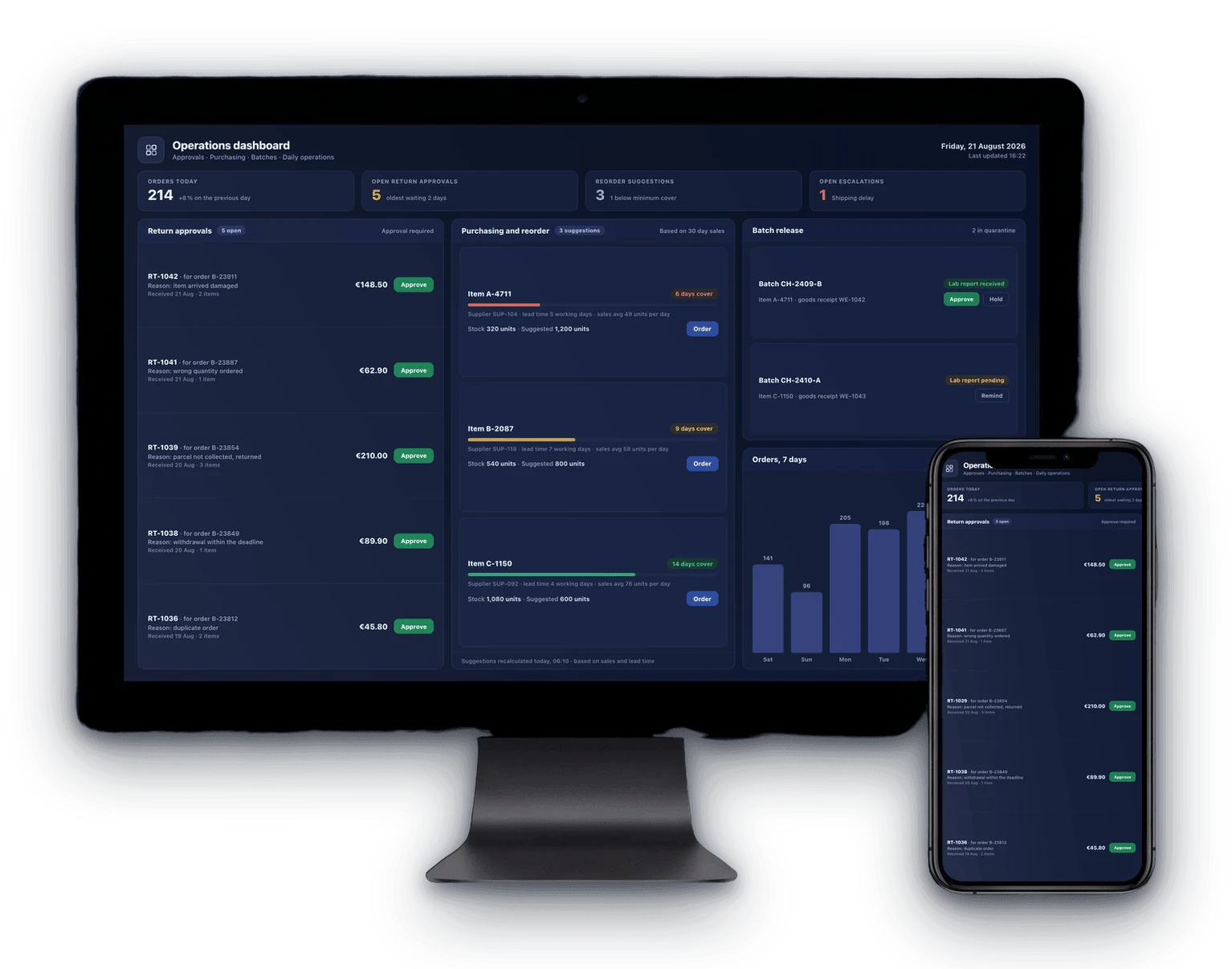
Operations dashboard shown on a desktop display and a smartphone: return approvals, reorder suggestions and batch release
Operations dashboard
Own development

Every decision of a working day on one screen.

A management dashboard for the office. Return approvals, supplier reorders, batch releases and open escalations sit next to each other, so a decision is taken where the data already is instead of in a mailbox. What used to be four tools and a phone call is one screen somebody looks at in the morning.

Return approvals with reason and amount

Reorder suggestions based on sales and lead time

Batch release with the lab report attached

Open escalations visible before a customer calls

CraftVoice
Service company

A site visit becomes a quote before the van is back.

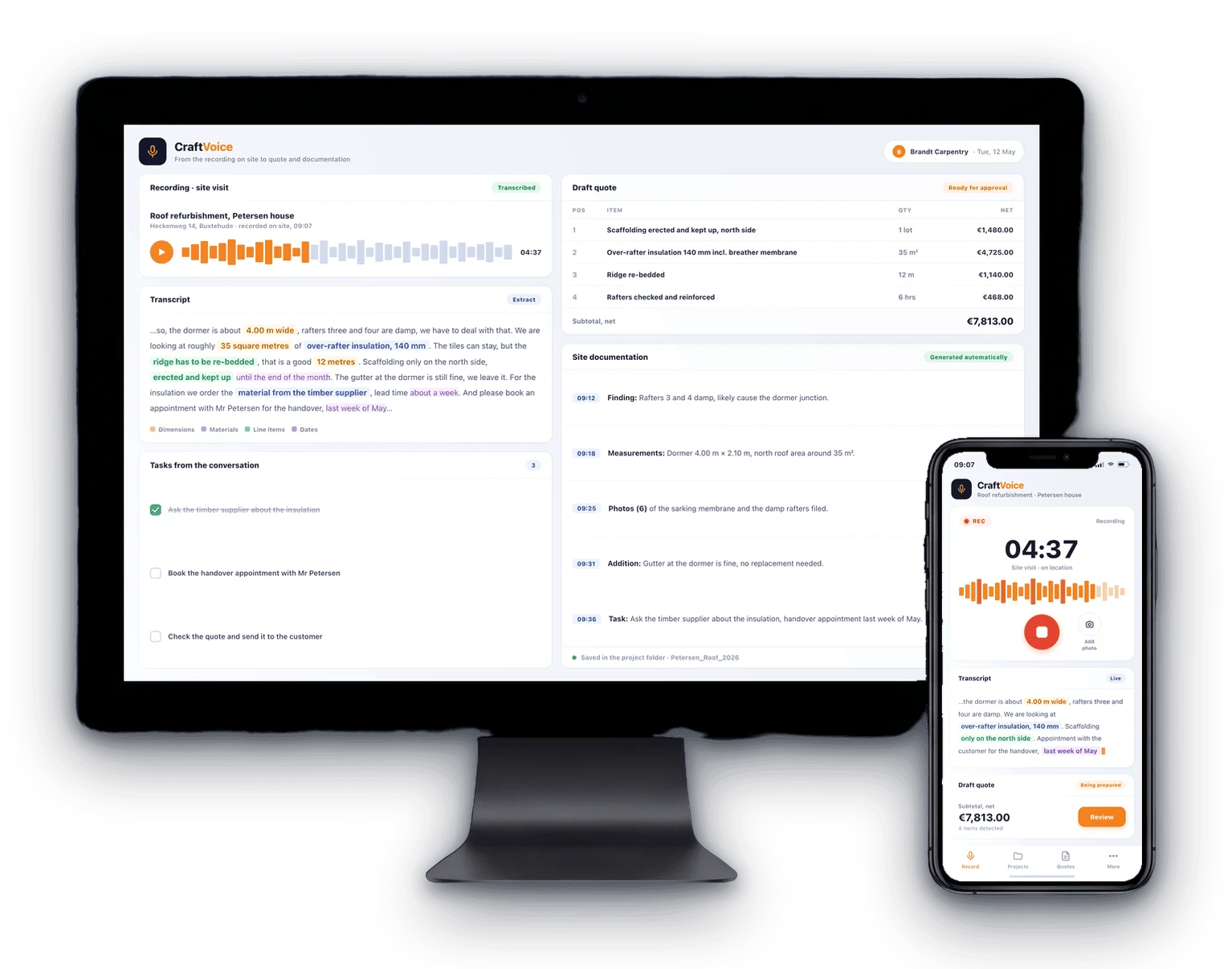
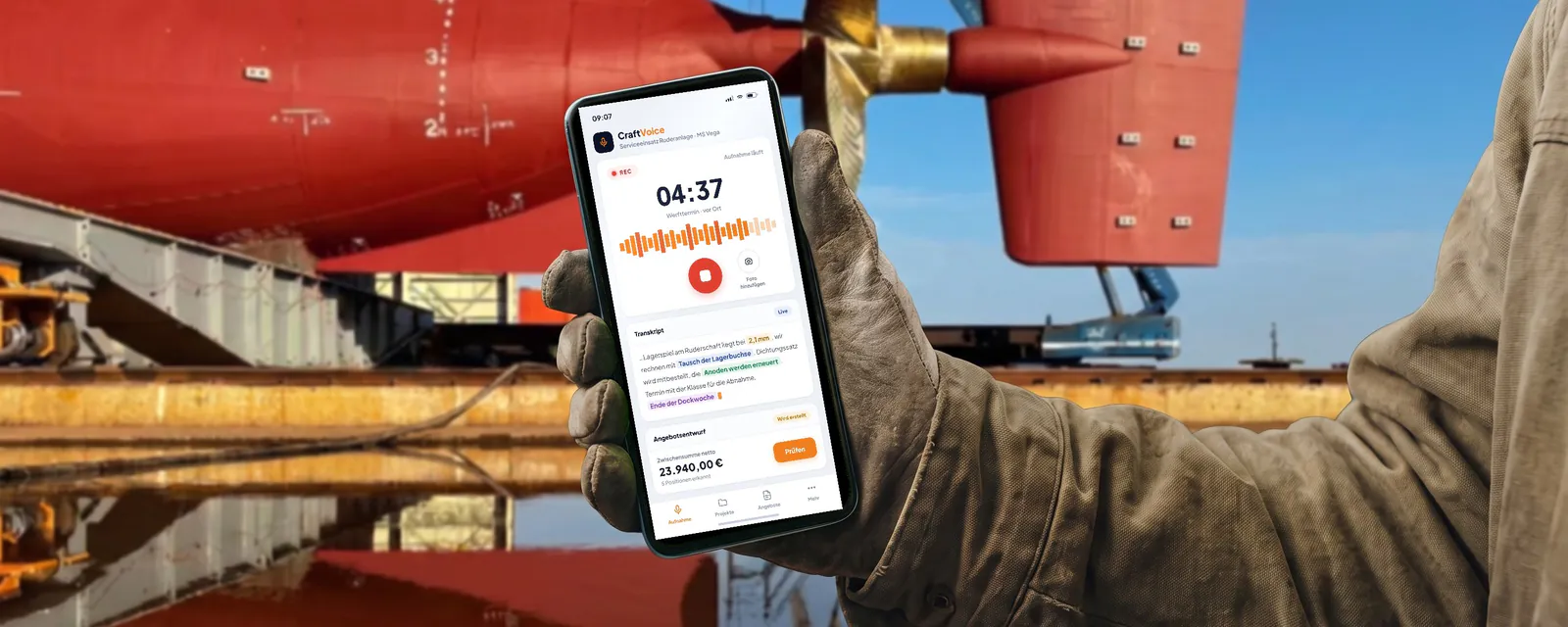
Built for a service company. The technician records the conversation and the photos on site, and out of that recording come the site documentation and a draft quote with items, materials and working hours. The office checks the draft, adjusts prices and sends it. Every visit stays stored, so the estimates get better with each job.

Recorded on site, no paper forms

Draft quote with items, quantities and hours

Photo documentation filed against the job

Every visit searchable for the next estimate

CraftVoice shown on a desktop display and a smartphone: site recording, transcript, draft quote and site documentation

The path of a part through production.

One QR code travels with the part from the first work step to dispatch. Six stages, each one recorded where the work actually happens.

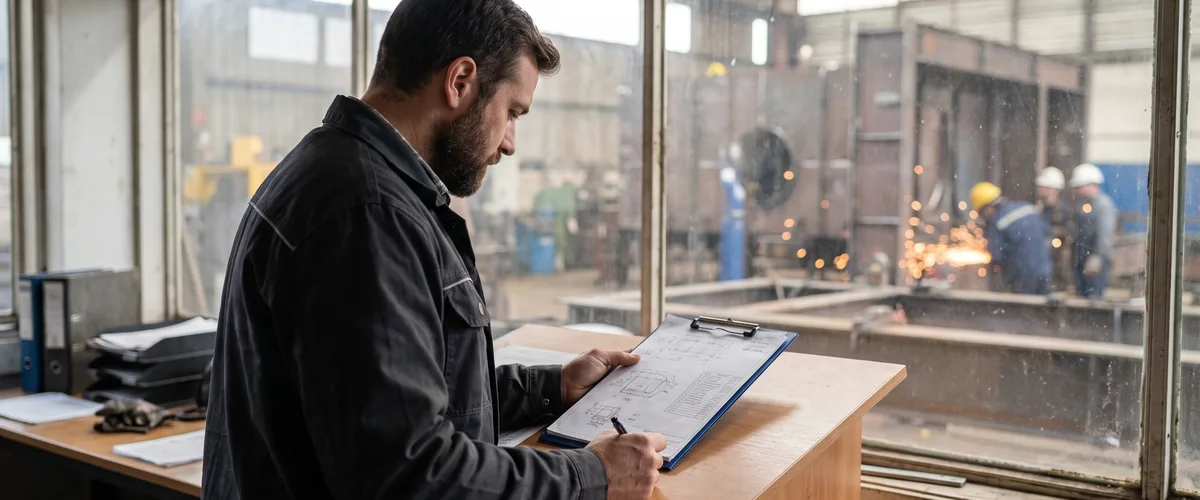
A worker noting an incoming order on a clipboard in the workshop
1

Order

The order comes in, positions and the bill of materials are created.

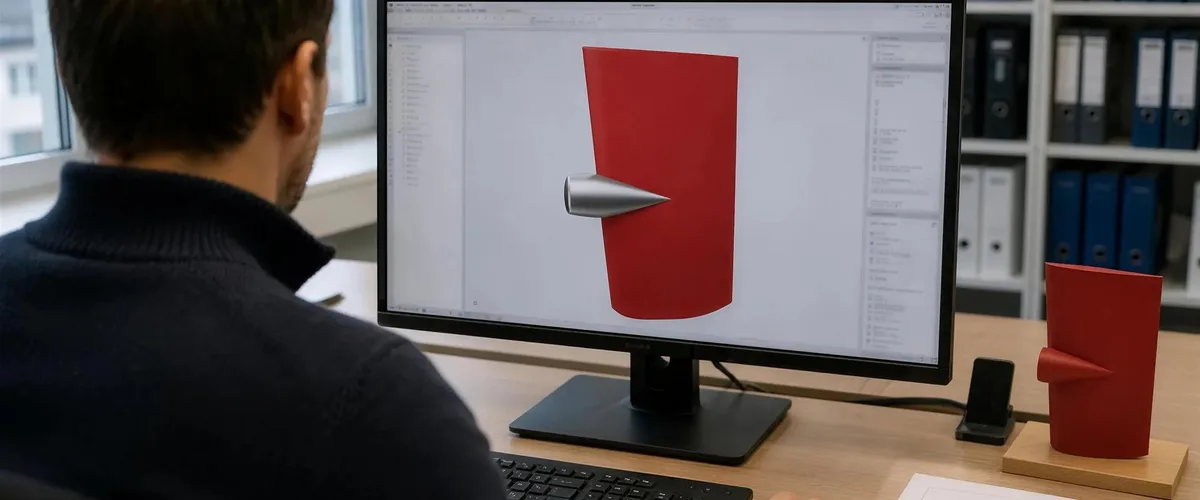
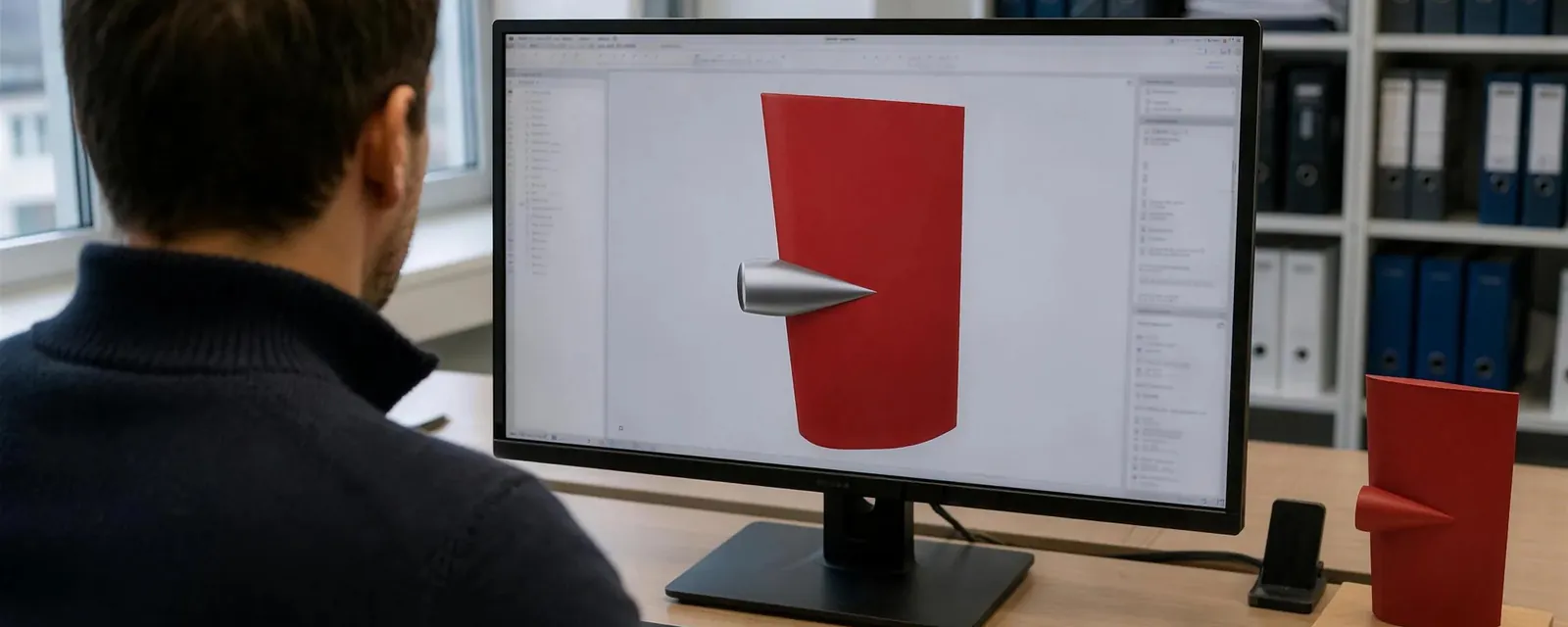
An engineer laying out a rudder in a CAD program at the planning desk
2

Planning

Work steps and the parts they need are set for the job.

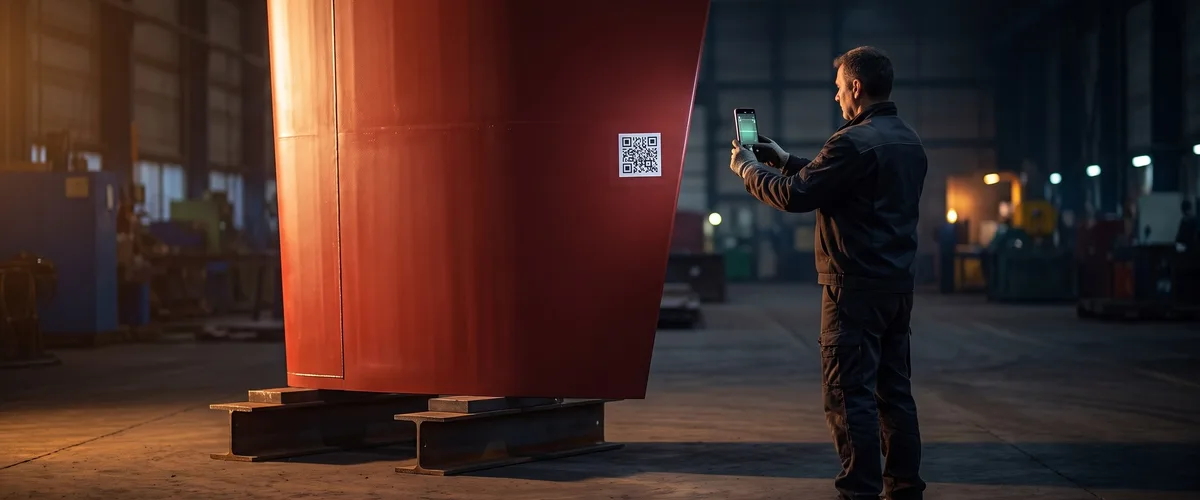
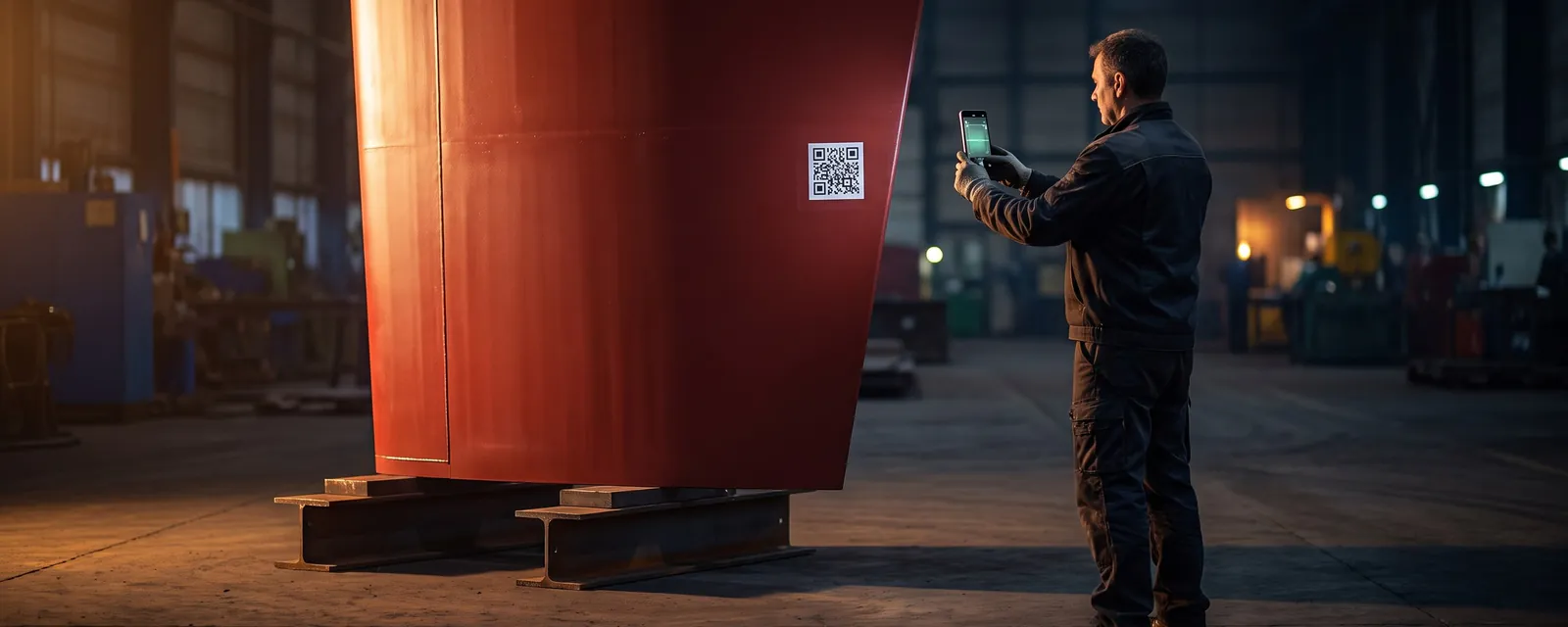
A worker scanning the QR code on a finished rudder blade with a phone
3

QR code on the part

From here the code travels with the part through every station.

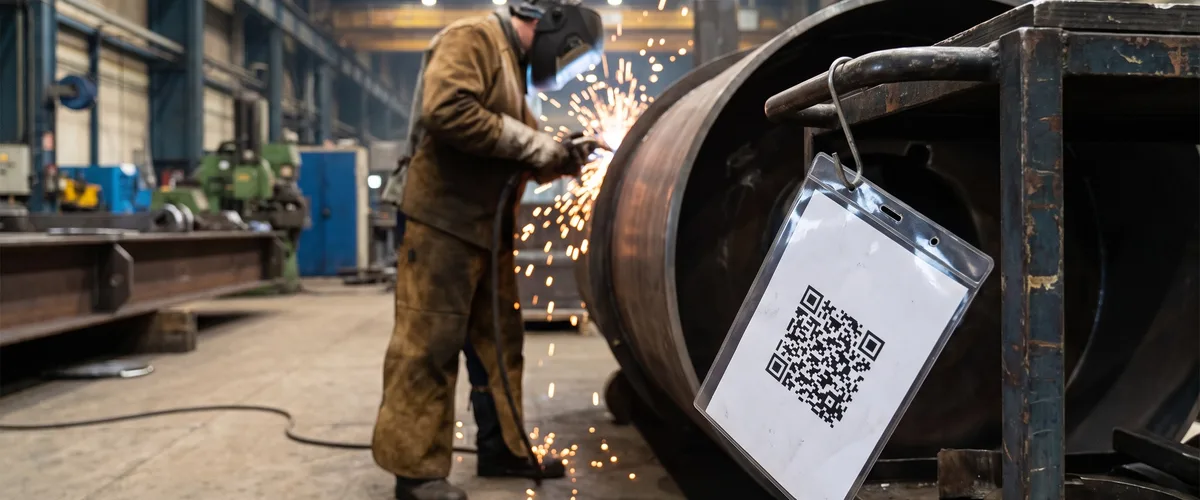
A welder at work on a part that carries its QR tag on the frame
4

Station by station

Every scan records arrival time, operator and working time.

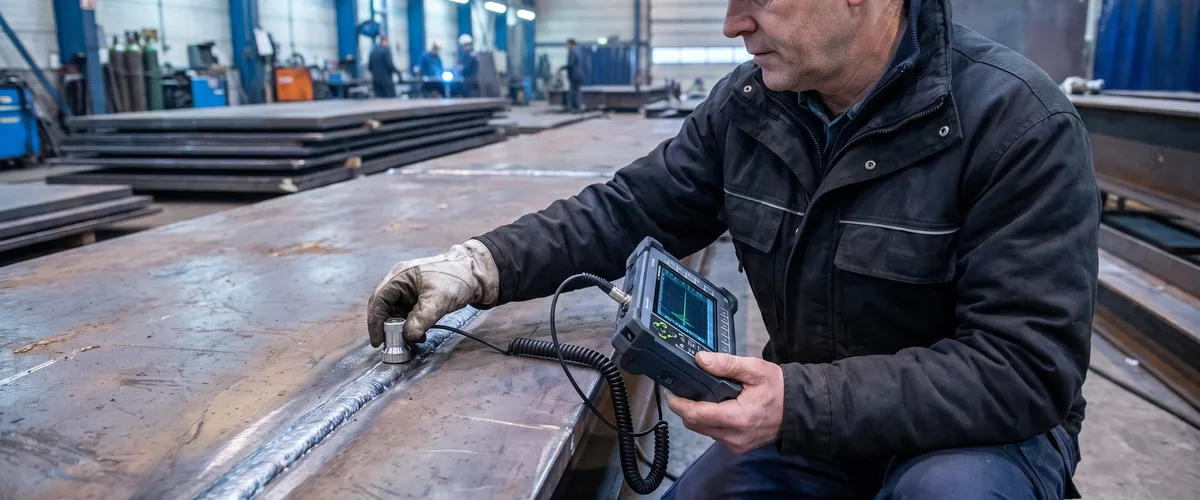
An inspector measuring a weld seam with a handheld test device
5

Quality control

Tester, finding, rework and photo documentation, filed against the part.

6

Reporting

Times, cost and error rates per station and per operator, plus planned against actual per order.

See the dashboard below

Kanban view of the production floor

Example figures from a customer system concept.

12 days

Average lead time

2.1 %

Error rate

86 %

Utilization

24 %

Average contribution margin

Incoming 2
A-2421 Welded frame, day 1A-2422 Shaft assembly, day 1
In production 3
A-2417 Gearbox housing, day 6A-2418 Hydraulic cylinder, day 3A-2419 Steel section, day 2
Quality check 2
A-2414 Pump housing, reworkA-2415 Flange shaft series, day 9
Ready to ship 1
A-2409 Assembly complete, day 14

Once the scans are running, those figures come out of the tool itself, which is what turns a calculation from an estimate into a record.

Three ideas, none of them needing a new ERP.

They close the gaps between the tools you already have, and each one can start as a small pilot with a clearly limited scope.

Worker scanning the QR code on a rudder blade in a workshop

One scan on the part, the whole order in view.

A QR code travels with the part from the first work step to dispatch. Every scan records arrival time, operator and working time, and quality checks are filed against the part with photos. At the end you can see where time and cost actually went, per station and per order.

OrderQR code on the partStation by stationReport
Recording an on-site appointment on a phone in front of a ship in dry dock

From the customer appointment to a finished quote.

Between the appointment, the measurements and the quote a lot of time and knowledge goes missing in service and maintenance businesses. A service tool records the visit on site and turns it into a draft the foreman only has to check and send. CraftVoice above is that principle, already built.

Record on siteDraft appearsCheck and sendDocument and invoice
Engineer working on a rudder model in a CAD program

Quotes calculated without the engineering bottleneck.

In many industrial companies every quote runs through an engineer, which turns days into weeks and ties up the most expensive hours in the building. A configurator does that arithmetic with your formulas and your price lists, AI workflows take over the parts that rely on experience values, and the engineer only checks the result. The customer gets a number while the enquiry is still warm.

Enter key dataSystem and AI calculateQuote ready

Also on the table: B2B spare part portals with customer prices, availability and order history, connected to the service tool if you want it, and a stowage planning study currently in progress, where a trained optimization model proposes how containers are distributed on board.

What you get

What comes with it, and where it runs.

Six points we settle before the work starts, because they decide whether a tool survives its first year.

Records for your quality documentation

Every work step is recorded with operator, station and timestamp, and the report comes out of the running tool instead of a folder somebody keeps on the side. Whether that trail satisfies a standard such as ISO 9001 is for your certification body to judge. Our part is that the data is complete and exportable.

Servers in Germany, or wherever you need them

Operation on German servers is possible, including the data processing agreement, and it stays an option rather than a condition. The system runs on Hetzner infrastructure, a European provider with several locations, and we set up and harden every server ourselves, tune it for load time and scale the capacity with the load.

Built into the systems you already run

ERP, PIM, shop, label printer and shipping provider. The tool is fitted into the landscape that is already in the building, it reads the data where that data lives today, and the systems you keep stay as they are.

Support and upkeep once it runs

Going live is not the end of the job. We keep the servers up to date, watch the tool in daily use and pick up changes as the work on the floor changes. Support runs in German and English, with a direct line instead of a ticket queue.

A written estimate with the plan behind it

The project is planned through before the quote goes out. The offer names every module, what it does and what it costs, so you know what you get before you commit, and the estimate is binding.

Billed by the hours worked

We invoice the hours we work, once a month, with a record you can follow line by line. There is no licence fee and no platform charge on top, because the software is yours once it is built.

Questions we get asked first.

No. The tools sit between the systems you already run and close the gaps between them. Where an ERP is in place we connect to it. Where the plan lives in a spreadsheet today, the tool takes over that job first.

A clearly cut first module is a matter of weeks, not quarters. We start with the one workflow that hurts most, put it into daily use, and build the next step on what that one taught us. A small pilot with a limited scope is a normal way to begin.

Yes. Operation on German servers is possible, including the data processing agreement. It is not a condition though, because the system runs on Hetzner infrastructure and that European provider has more than one location. We set the servers up ourselves and scale the capacity with the load, and where a cloud service is part of the setup it is named and agreed beforehand rather than discovered later.

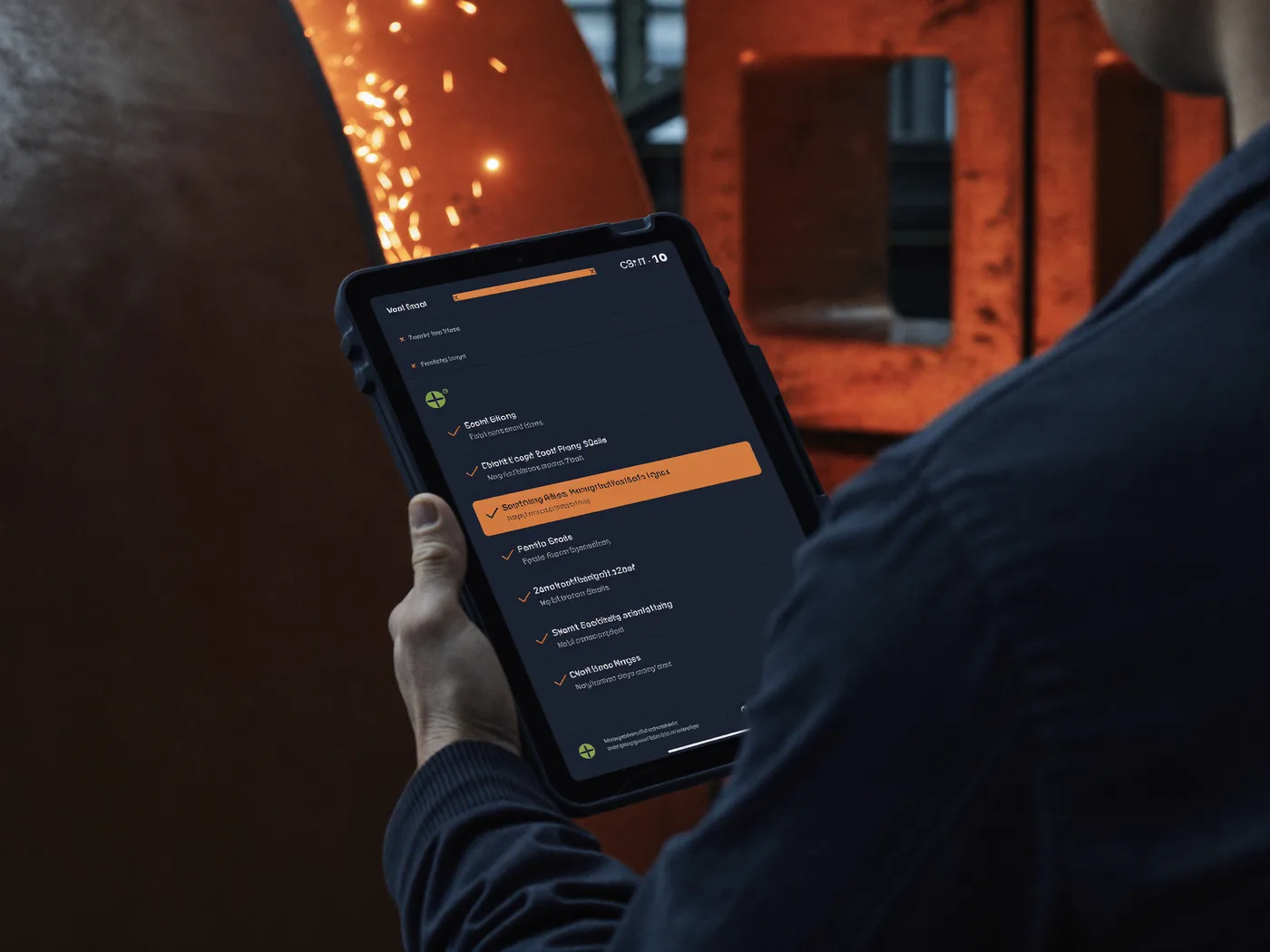
Yes. The tools are operated on a phone or a tablet, scanning runs through the camera, and for gloved hands and noisy halls there is dictation that holds up in exactly those conditions.

We bill the hours we work, once a month, with a record of hours you can follow line by line. There is no licence fee and no platform charge on top. The effort for a piece of work is estimated in writing before you commit, and that estimate is binding.

You do. Code, accounts and rights sit with you once the project is finished, and the documentation goes with them.

Start with one workflow, not with a platform.

Describe what you want to achieve and we look for the simplest way to get there. A first assessment costs nothing.